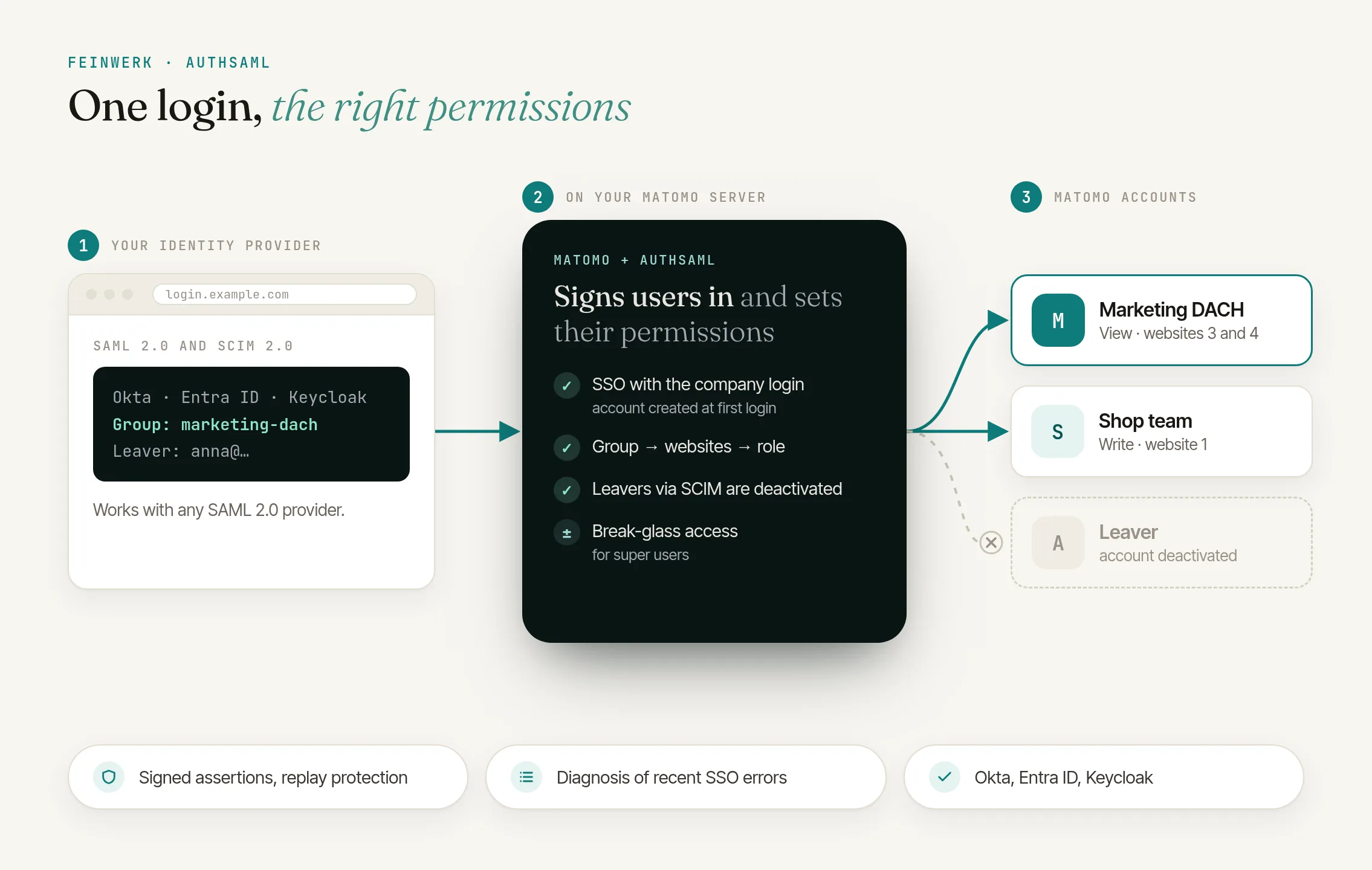
The problem: a second user list next to your company login
Matomo has its own user management with accounts, passwords and per-website permissions, enough for a small team. If you manage access centrally in an identity provider such as Microsoft Entra ID, Okta or Keycloak, that means a second user list maintained by hand. The more websites and teams, the more upkeep.
Matomo alone
- Another password next to the company login
- New colleagues wait for access, permissions come on request
- When someone leaves, someone must remember to lock their Matomo account
With AuthSaml
- Company login, no separate Matomo password
- Account and permissions straight from your IdP
- Deactivated in the IdP, locked in Matomo (optional via SCIM)
How AuthSaml solves it
AuthSaml connects Matomo to your identity provider via SAML 2.0. Your team signs in with their usual company login, and the account is created automatically on first login.
Permissions come from your IdP groups: you define once which group sees which websites with which role (view, write or admin), and AuthSaml syncs them on every login. You manage access in one place only.
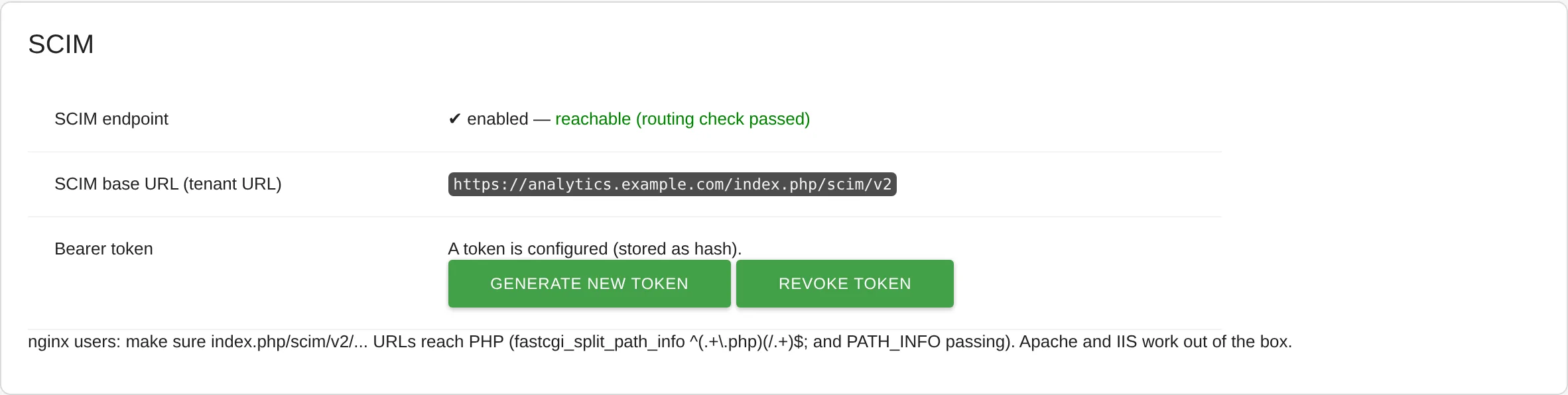
Offboarding via SCIM
With optional SCIM 2.0, your IdP reports new, changed and departed people directly to Matomo. AuthSaml locks accounts deactivated in the IdP and revokes the permissions the plugin granted, without anyone having to sign in.
Permissions by attribute
Alternatively, the plugin reads permissions from a dedicated attribute, such as view:1,4;write:2.
Switch without recreating users
Existing accounts are adopted, not duplicated. In the default mode, manually assigned permissions stay untouched, and super users always keep an emergency password login.
How it works
- Copy the SP details. After installation, the AuthSaml admin page shows the SP metadata and ACS URLs.
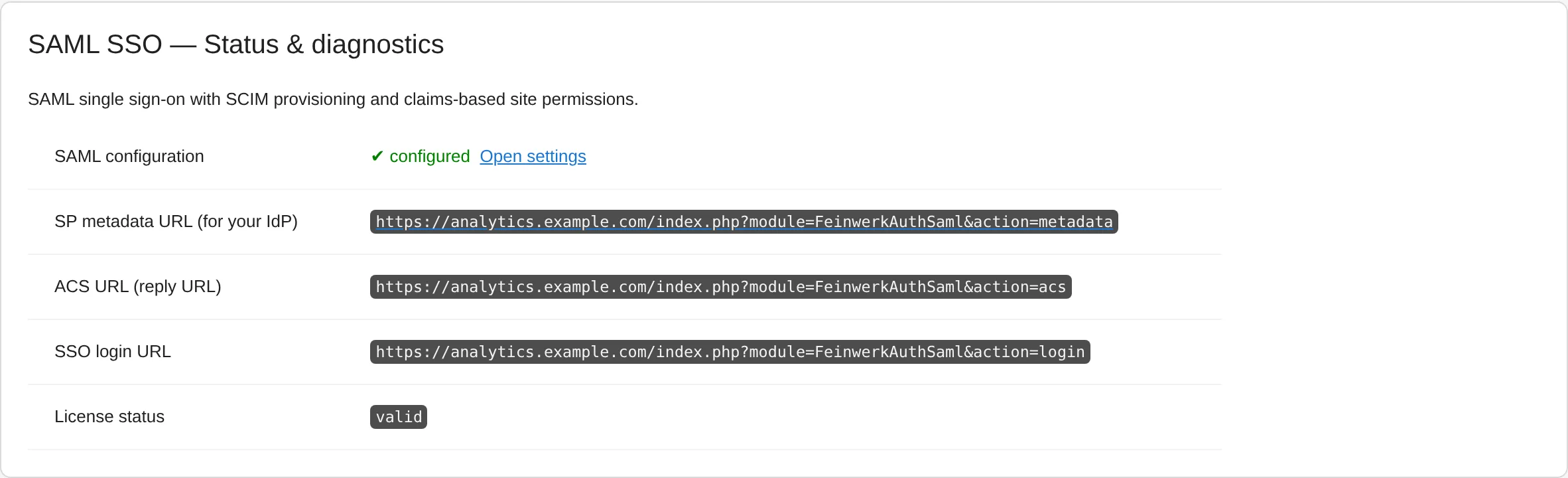
AuthSaml: diagnostics of the SAML configuration - Create an application in your IdP. Set up a SAML application in Entra ID, Okta, Keycloak or another SAML 2.0 provider and release email, display name and groups as attributes.
- Add your IdP in Matomo. Enter the IdP metadata URL in the plugin settings. Endpoints and certificates are imported and refreshed daily.
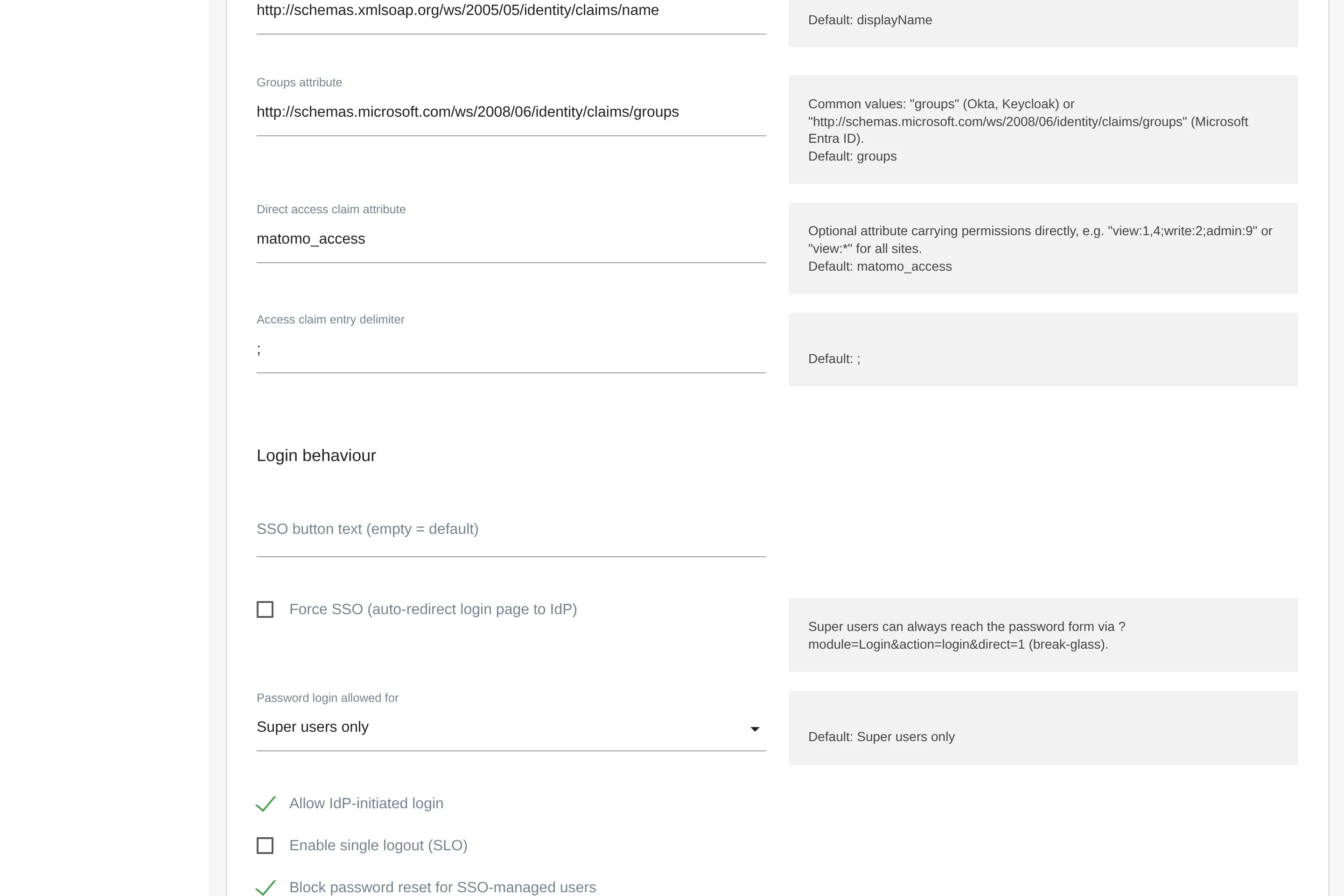
AuthSaml: identity provider and service provider settings - Map your groups. Link IdP groups, websites and roles on the admin page.
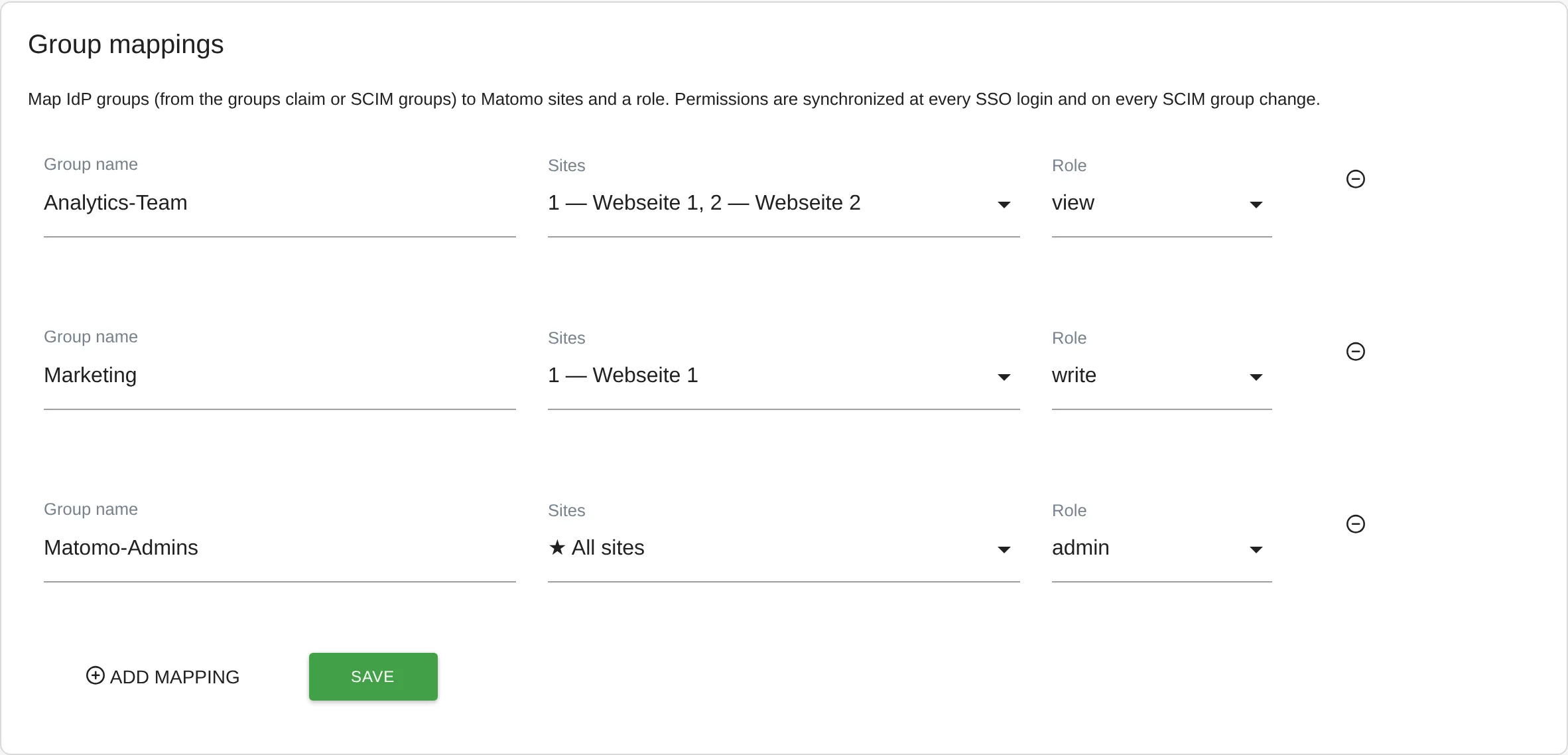
AuthSaml: mapping identity provider groups to Matomo permissions - Test and switch over. Check the login with the SSO button, then optionally enable Force SSO so the login page sends everyone straight to your IdP.
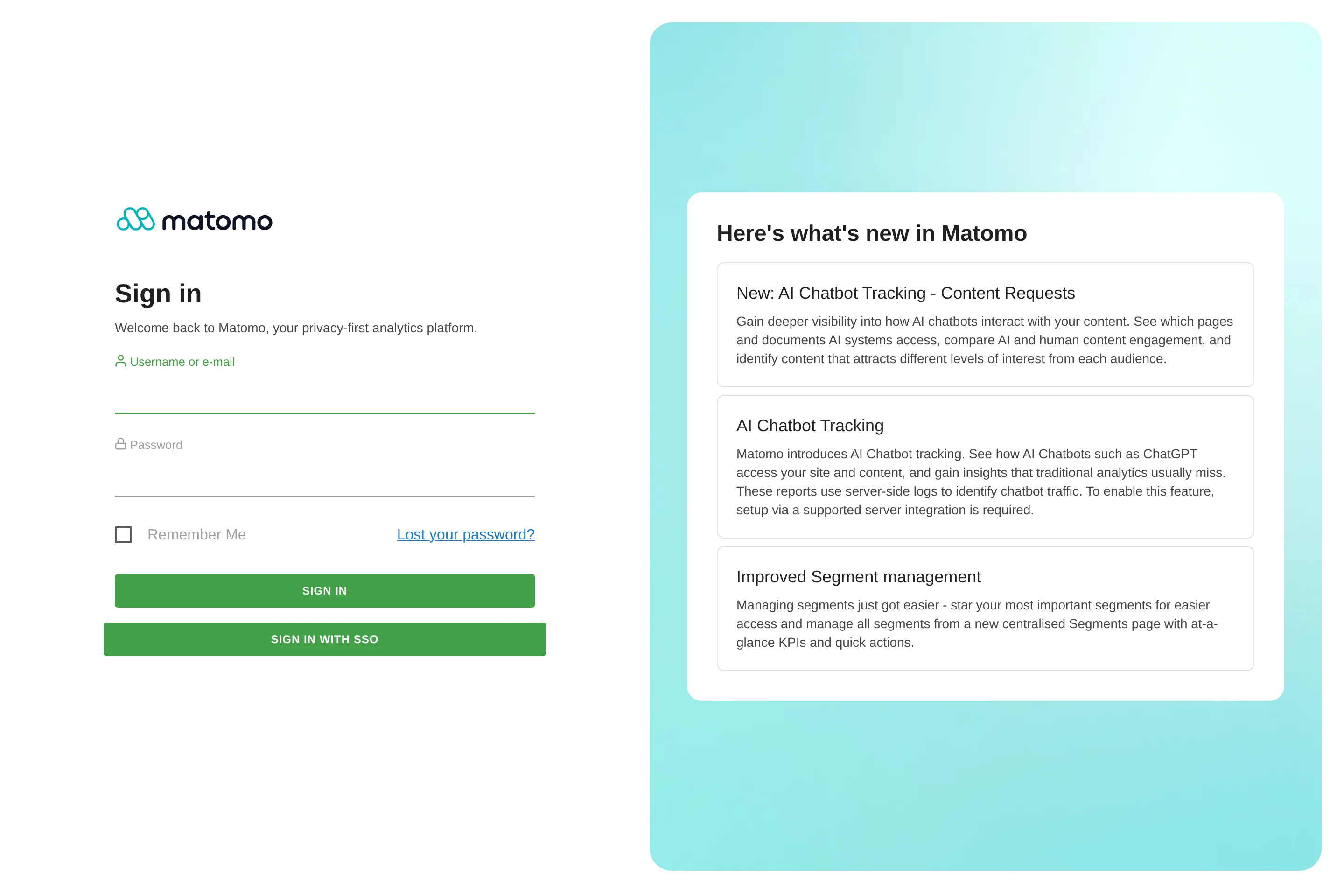
AuthSaml: Matomo login with single sign-on
Who is AuthSaml for?
Companies running their own Matomo
with access managed centrally in Entra ID, Okta, Keycloak or another SAML 2.0 provider.
IT and security teams
that want offboarding without manual work.
Organisations and agencies
with many websites that grant access by team, brand or client.
Teams with a running installation
that want to introduce SSO without recreating users.
Frequently asked questions
Does the Matomo login work with Microsoft Entra ID (Azure AD)?
Yes. Microsoft Entra ID is the new name of Azure Active Directory. AuthSaml is tested with Entra ID, and group claims as well as automatic provisioning via SCIM are supported. The documentation walks you through the setup step by step.
Does AuthSaml run on Matomo Cloud?
No. AuthSaml needs a self-hosted Matomo installation from version 5 with PHP 8.1 or newer, because custom plugins cannot be installed on Matomo Cloud.
Can I still sign in with a password?
That is up to you: password login for everyone, for super users only (the default) or for nobody. Super users reach the password form through a break-glass link even when Force SSO is on, as long as password login is not switched off completely.